
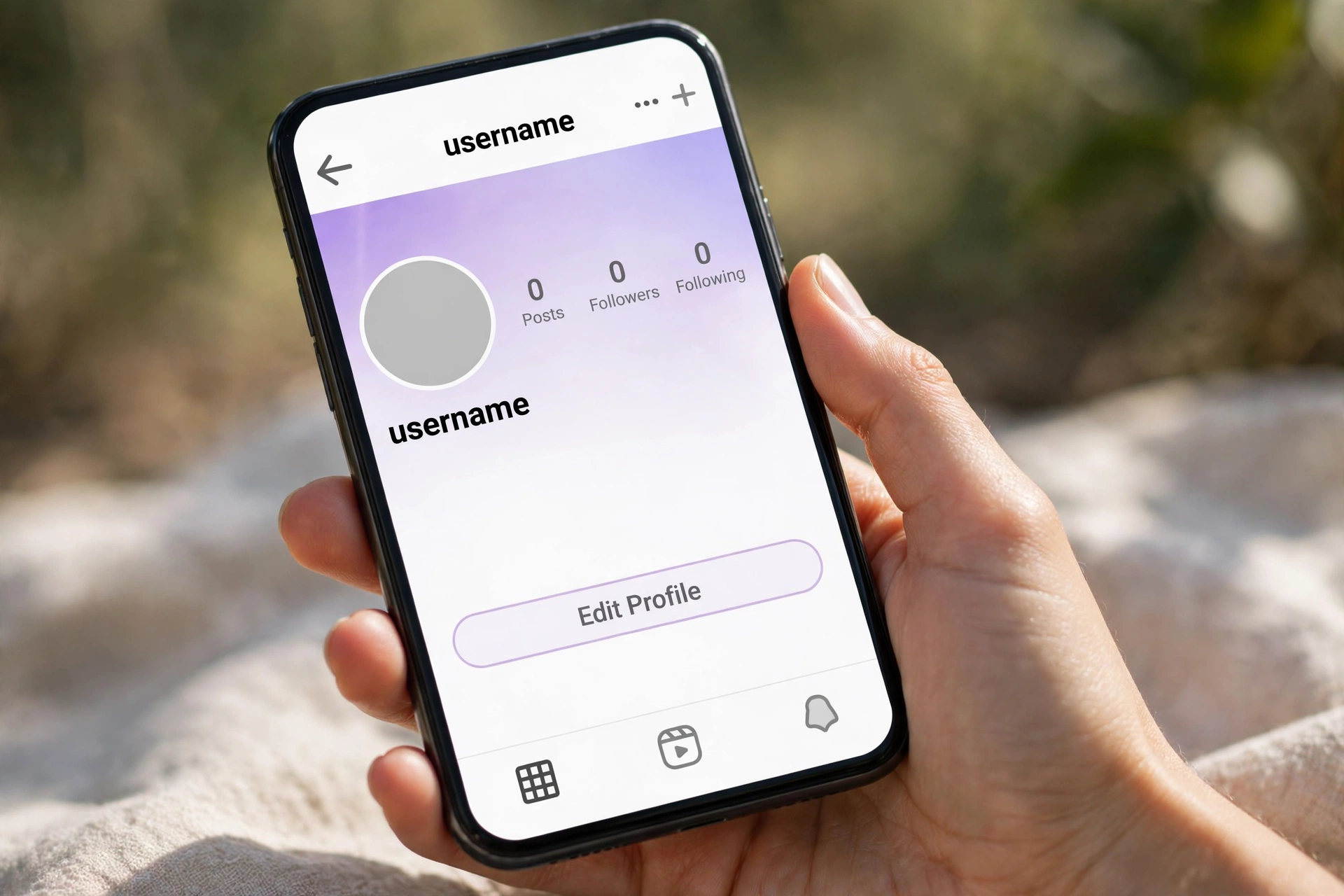
Instagram Blank Bio Generator
Make a blank Instagram bio, or add real line breaks to your bio. Instagram deletes empty lines, so this tool puts one invisible character on each blank line. Your bio keeps its spacing.
Step 1: Pick a character. U+3164 Hangul Filler is recommended. U+2800 Braille Blank is the fallback.
Picked: U+3164 Hangul Filler
Step 2: Copy a blank bio.
Nothing copied yet.
Line break builder: type your bio lines below. The tool adds one invisible character to each empty line, so Instagram keeps your line breaks. Instagram bios allow 150 characters.
Characters: 0 of 150
Nothing built yet.
Check a bio: paste a bio below and press Check to see if it will look blank on Instagram, and how many characters it uses.
How to use it
- Press Copy blank bio, then open Instagram and go to Edit Profile.
- Paste the blank bio in the Bio field and save. Your bio will look empty.
- For line breaks, type your lines in the builder, press Build my bio, then copy the result and paste it in the Bio field.
Where it works: your Instagram bio text and its line breaks. Where it does not work: your Instagram username or handle can never be blank. A username must use letters, numbers, dots and underscores only. If Instagram removes the character, try the U+2800 fallback. Bios have a 150 character limit, and this tool counts invisible characters too.