
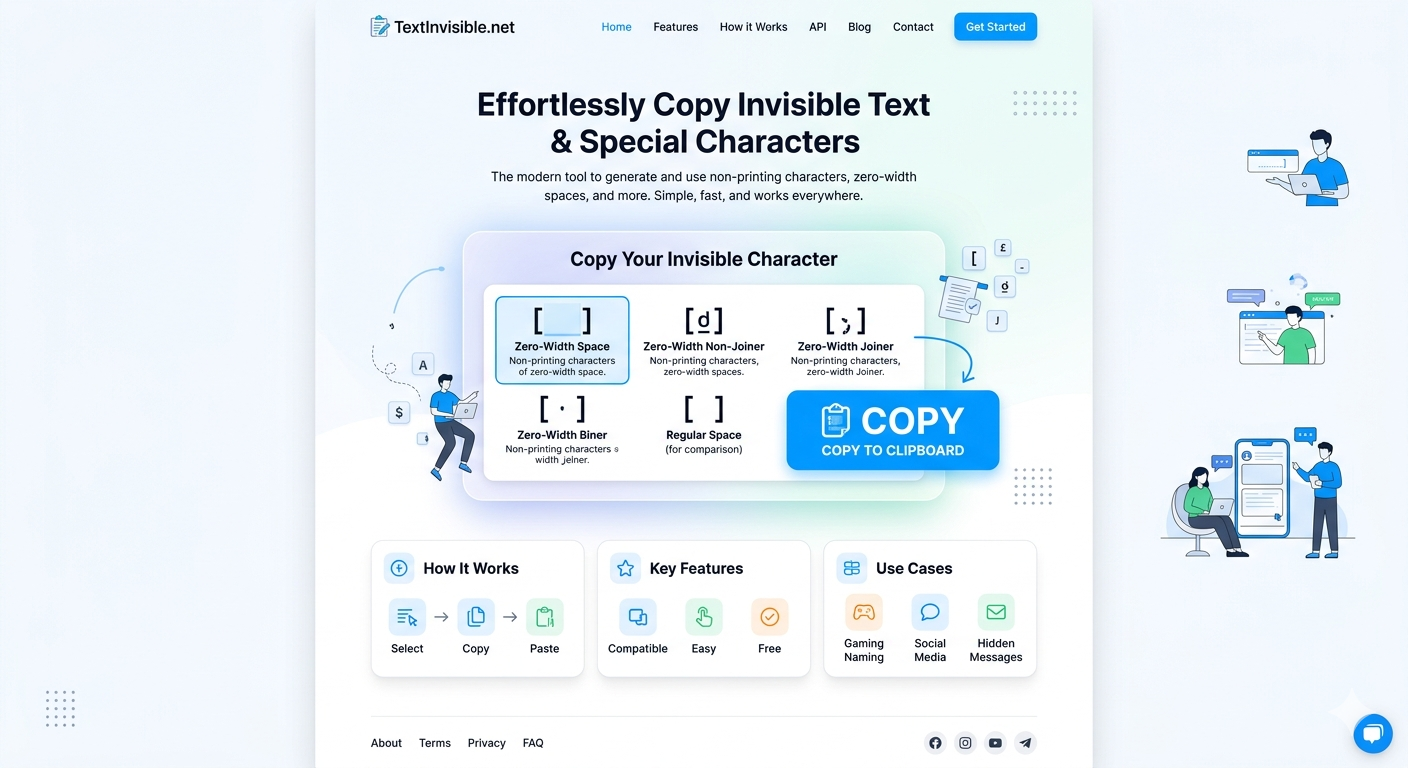
TextInvisible.net: Your Ultimate Tool to Master Invisible Characters
Have you ever copied text from a website, only for it to paste strangely with extra spaces, broken formatting, or inexplicable gaps? Or perhaps you’ve seen unique social media profiles with empty lines or unusual usernames that seem to defy character limits? The culprit behind these digital mysteries often lies in the realm of invisible characters – those sneaky, non-rendering elements that are essential to how computers process text, yet remain hidden from the naked eye.
These characters, such as zero-width spaces, non-breaking spaces, zero-width joiners, and other control codes, can be incredibly useful, but also a significant source of frustration. They can break code, disrupt layouts, and make content management a nightmare. This is where TextInvisible.net steps in, offering a robust and intuitive solution.
This comprehensive guide will walk you through every feature of TextInvisible.net, the ultimate invisible character tool, explaining how each button works and its best use cases. By the end, you’ll be an expert at identifying, copying, removing, and leveraging these hidden elements like a true digital maestro.
What Exactly Are Invisible Characters and Why Should You Care?
Invisible characters are exactly what they sound like: characters that occupy space in text strings but don’t have a visual representation. They’re part of the Unicode standard, designed for specific formatting or control purposes.
Why they matter:
* Formatting Control: They can ensure certain words stick together (non-breaking space) or subtly adjust spacing (zero-width space).
* Unique Identifiers: Gamers and social media users often employ them to create unique usernames or bios that appear blank or specially formatted.
* Preventing Word Breaks: Essential for typography and maintaining readability.
* Algorithmic Evasion: Some social media platforms use them to bypass basic text filters, though this can be a double-edged sword.
* Troubleshooting: Their unseen presence can lead to frustrating bugs in code, inconsistent text searches, or unexpected line breaks.
Without the right invisible character tool, dealing with these elements is like trying to catch smoke with your bare hands. TextInvisible.net provides the lens and the net you need.
Introducing TextInvisible.net: Your Go-To Invisible Character Tool
TextInvisible.net is a free, web-based utility designed to give you complete control over invisible characters. Whether you need to extract them, eliminate them, or simply identify them, this invisible character tool provides a clean, user-friendly interface to get the job done efficiently. It’s built for everyone, from casual users struggling with copy-paste issues to developers debugging text inputs.
Let’s dive into the core functionalities that make TextInvisible.net an indispensable asset.
The Main Text Area: Your Digital Sandbox
At the heart of TextInvisible.net is a large, intuitive text area. This is where you’ll perform all your operations.
* Best Use Case: Paste any text you suspect contains invisible characters, or type out text where you want to strategically insert or analyze them. This central canvas is where the magic happens, preparing your content for processing by the various dedicated buttons.
“Copy Invisible Text” Button: Exact Replication
This is the primary function for when you need to grab *exactly* what’s in the text area, including all the invisible characters, and transfer it elsewhere.
* How it Works: Simply paste your text into the main area, and then click this button. The entire content, invisible characters and all, will be copied to your clipboard.
* Best Use Cases:
* Replicating Unique Social Media Handles: If you’ve found a cool, invisible username you want to copy.
* Preserving Special Formatting: Copying text that relies on zero-width spaces for specific visual effects.
* Debugging: Transferring problematic text strings into a code editor or another tool for deeper analysis, ensuring no character is lost.
* Gaming: Copying specific invisible characters for in-game names or clan tags.
“Remove Invisible Characters” Button: The Text Cleaner
Often, invisible characters are an unwanted nuisance. This button is your quick solution to clean up text and ensure only visible content remains.
* How it Works: Paste your messy text into the area, click this button, and TextInvisible.net will strip out all recognized invisible characters. The cleaned text will remain in the text area, ready for copying.
* Best Use Cases:
* Cleaning Copied Text: Removing hidden formatting or unwanted spaces from text copied from websites, PDFs, or documents before pasting into your own work.
* Fixing Search Issues: If a search function isn’t finding a string you know is there, an invisible character might be interfering. Cleaning it can resolve the problem.
* Preparing Data for Databases: Ensuring data integrity by removing potentially problematic non-rendering characters before database entry.
* URL or File Naming: Preventing issues by ensuring there are no invisible characters in names that could cause problems with systems.
“Count Invisible Characters” Button: The Auditor
Curiosity or necessity might lead you to wonder just how many invisible characters are lurking in your text. This button provides an instant tally.
* How it Works: Enter your text, click “Count Invisible Characters,” and a count will appear, indicating the total number of invisible characters found.
* Best Use Cases:
* Pre-cleanup Assessment: Before removing, understand the extent of the invisible character problem.
* Text Length Discrepancies: If a text field has a character limit and your visible text seems to fit, but it’s still being rejected, counting invisible characters can reveal the true length.
* Quality Control: For content creators or developers, it can be a quick check to see if any unwanted characters have slipped into important text.
“List Invisible Characters” Button: The Investigator
This advanced feature goes beyond just counting; it identifies *which specific* invisible characters are present, along with their Unicode values. This is incredibly helpful for advanced troubleshooting and understanding.
* How it Works: Paste your text, click “List Invisible Characters,” and TextInvisible.net will display a list of each unique invisible character found, often showing its Unicode name and hex value (e.g., “Zero Width Space (U+200B)”).
* Best Use Cases:
* Debugging Specific Issues: If you’re dealing with a particular display bug, knowing the exact type of invisible character can pinpoint the problem.
* Learning and Understanding: Educating yourself on the different types of invisible characters and their properties.
* Security Analysis: Identifying if malicious or unusual invisible characters are embedded in a text string.
* Character Set Compatibility: Checking if certain invisible characters might cause issues across different systems or fonts.
“Clear Text” Button: A Fresh Start
A simple but essential button for managing your workflow.
* How it Works: Clears all content from the main text area.
* Best Use Case: After completing an operation or when you want to start a new analysis, this button quickly resets the workspace.
Why TextInvisible.net is the Ultimate Invisible Character Tool
TextInvisible.net stands out because it offers a comprehensive suite of features in one accessible place. It’s not just a tool for copying; it’s a complete ecosystem for interacting with hidden text elements.
* Simplicity & Accessibility: No downloads, no installations. Just open your browser and start working.
* Robust Functionality: From simple copying to detailed character listing, it covers all bases.
* Problem-Solving Focus: Directly addresses common frustrations caused by invisible characters.
* Completely Free: All these powerful features are available at no cost.
Conclusion: Master the Unseen with TextInvisible.net
Invisible characters, though hidden, play a significant role in our digital lives. From enhancing creative expression to causing frustrating technical glitches, understanding and controlling them is a valuable skill. TextInvisible.net provides you with the ultimate power to do just that.
Whether you’re looking to clean up messy text, create unique online profiles, debug stubborn code, or simply understand the unseen nuances of text, this comprehensive invisible character tool has you covered. Stop letting invisible characters dictate your digital experience – take control with TextInvisible.net today! Give it a try and unlock a new level of text mastery.