
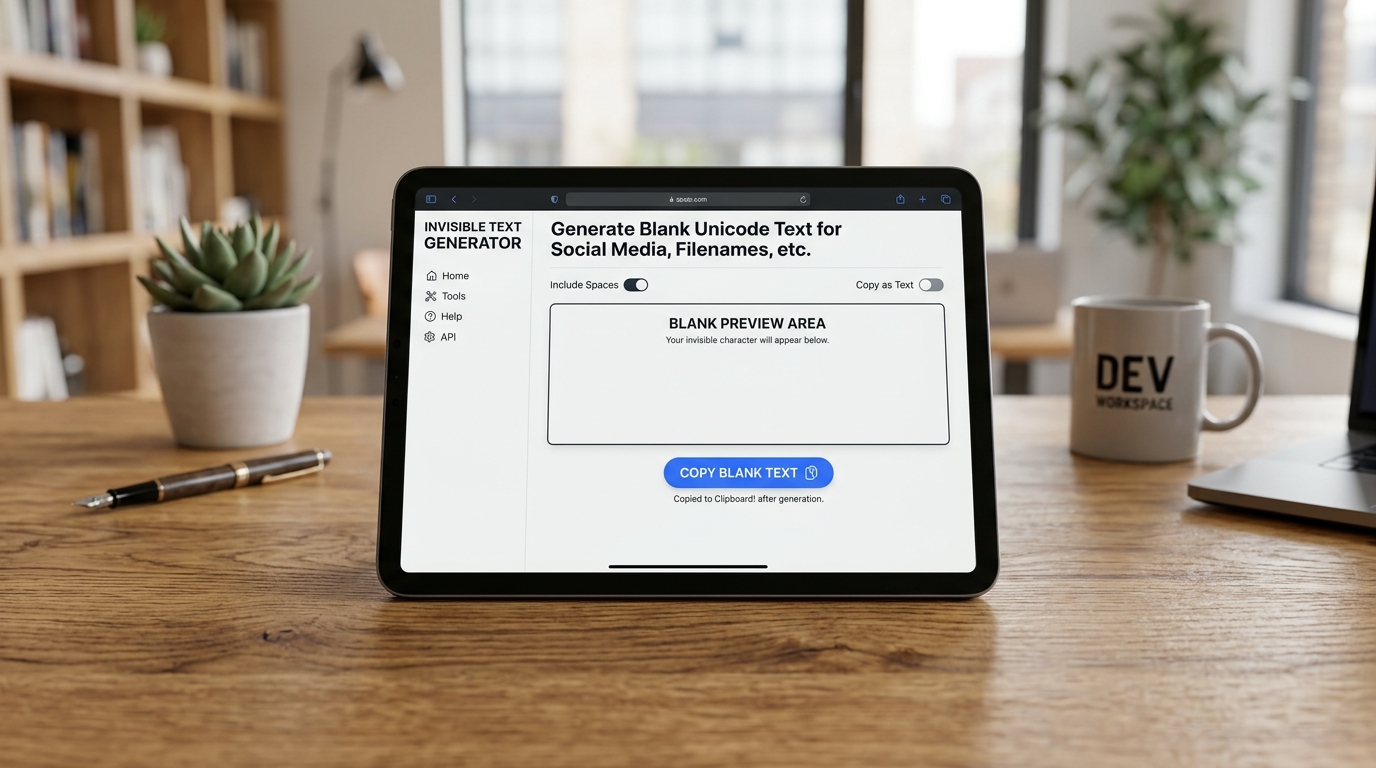
Invisible text generators have become an essential tool for users looking to customize their digital presence, bypass formatting restrictions, or maintain anonymity online. Whether you want to send a seemingly empty message to a friend or create a completely blank profile name on your favorite gaming platform, understanding how to leverage empty character generators is crucial.
This comprehensive guide explores the mechanics of invisible characters and provides actionable, step-by-step instructions on how to use blank text generators across various applications.
What Is an Invisible Text Generator and How Does It Work?
An invisible text generator is a web-based tool designed to produce specific Unicode characters that render as empty space on digital displays. Unlike the standard spacebar character (U+0020), which is often stripped out by form validations or messaging apps when used alone, these specialized Unicode characters are processed as visible text by the system architecture, even though they appear invisible to the human eye.
The empty text generator utilizes characters such as the Zero-Width Space (U+200B), the Braille Pattern Blank (U+2800), and the Hangul Filler (U+3164). Because social media platforms and databases recognize these as valid alphanumeric inputs, they do not trigger the standard “empty field” error. By using a blank text generator, you are essentially tricking the platform’s input validation system into accepting a character that visually mimics a standard blank space.
How to Copy and Paste an Invisible Character or Blank Space
The most common use case for these tools is the simple invisible character copy paste functionality. This allows you to quickly insert blank spaces into bios, comments, and posts where traditional formatting is restricted.
Here is how to effectively copy a blank space:
- Access a Generator: Navigate to a reliable copy invisible character tool or blank text generator online.
- Select the Character Type: Some tools offer different types of invisible spaces (e.g., Zero-Width vs. Hangul Filler). Choose the one best suited for your target platform.
- Execute the Copy: Click the designated “Copy to Clipboard” button. If the tool lacks a button, carefully highlight the space between the provided brackets and press
Ctrl+C(Windows) orCmd+C(Mac). - Paste the Space: Navigate to your target application and press
Ctrl+V(or long-press and select “Paste” on mobile) to insert the invisible character.
How to Use a Blank Username Generator for Social Media and Gaming
Creating an invisible name is a popular trend in online gaming (like Among Us, Free Fire, or PUBG) and on platforms like Discord or Instagram. Standard platforms reject usernames consisting solely of regular spaces. A blank username generator solves this by supplying robust Unicode blanks.
To create an invisible username:
- Generate the Name: Open an invisible name generator and copy the provided Unicode character (often the Hangul Filler, U+3164, is most effective for gaming).
- Access Profile Settings: Log into your social media account or launch your game and navigate to the profile or account settings menu.
- Edit Username: Select the option to change your username or display name.
- Insert and Save: Delete your current name, paste the copied invisible character, and click “Save.”
- Troubleshoot: If the platform rejects the specific character, return to the blank username generator and select an alternative Unicode variant, as different platforms have different character whitelists.
How to Send Empty Text Messages with an Empty Character Generator
Messaging applications like WhatsApp, Telegram, and iMessage prevent users from sending a message that contains only standard spaces to avoid accidental blank transmissions. An empty text generator bypasses this restriction entirely.
To send an empty message:
- Copy the Empty Text: Use a blank text generator to copy a string of invisible characters to your device’s clipboard.
- Open Your Chat: Launch your preferred messaging app and open a conversation thread.
- Paste the Characters: Tap the message input field and paste the invisible text.
- Send the Message: You will notice that the “Send” button becomes active, unlike when using the standard spacebar. Tap send to deliver a completely blank message block to the recipient.
By mastering these how-to techniques, you can fully utilize invisible text generators to manipulate digital formatting, enhance your privacy, and customize your online interactions without triggering standard input limitations.