Standing out in online gaming often means hiding in plain sight. An invisible username—a blank or empty gamer tag—adds an aura of mystery to your profile, makes it harder for opponents to report or track you, and creates a clean, minimalist aesthetic. While most gaming platforms prevent users from simply hitting the spacebar to create a blank name, you can bypass these restrictions using specific Unicode characters like the Hangul Filler (U+3164) or the Braille Pattern Blank (U+2800).
This comprehensive guide covers how to get an invisible username across major gaming platforms, including Fortnite, PUBG, Free Fire, Roblox, Minecraft, Valorant, Steam, Xbox, and PlayStation, along with the risks involved.
What is an Invisible Gaming Username and How Does it Work?
An invisible username is a display name that appears completely blank in game lobbies, kill feeds, and player lists. Because gaming databases require at least one character to register a valid name, you cannot use standard spaces. Instead, gamers use special Unicode characters that render as empty space but are recognized by the system as valid text characters.
The most commonly used invisible characters for gaming include:
* Hangul Filler (U+3164): The most reliable blank character, widely used in mobile games like PUBG and Free Fire.
* Braille Pattern Blank (U+2800): Often used in PC gaming and platforms like Steam.
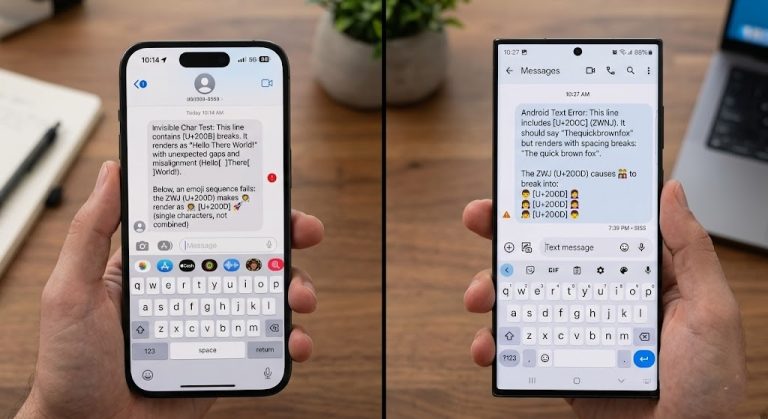
* Zero-Width Space (U+200B): Best used to create invisible spaces between visible letters when standard spacing is restricted.
How to Get an Invisible Username in Fortnite
Epic Games frequently updates its text filters to prevent blank names, but workarounds still exist. To get an invisible name in Fortnite, you need to update your Epic Games account display name using specific characters.
- Log in to your Epic Games account on a web browser.
- Navigate to Account Settings > General > Display Name.
- Copy a recognized invisible character (such as the Hangul Filler
ㅤor a combination of Greek and Cyrillic blank variants). - Paste the character into the “New Display Name” box and confirm the change.
- Restart Fortnite. Your name will now appear blank in the lobby and kill feed.
Note: Epic Games only allows display name changes once every two weeks.
How to Create a Blank Name in PUBG Mobile and Free Fire
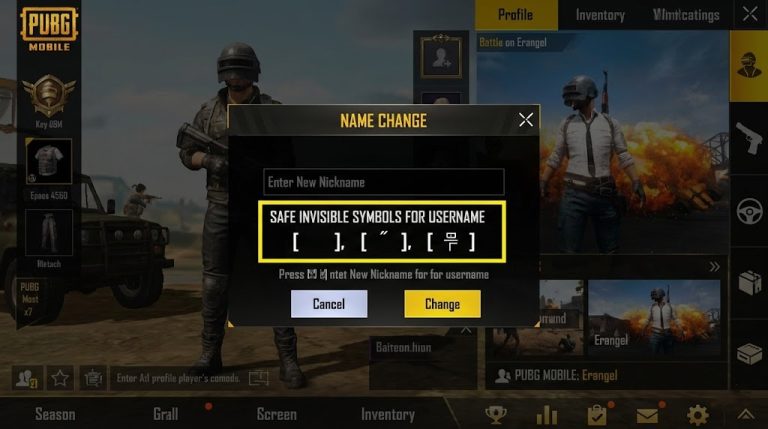
Mobile battle royales like PUBG Mobile and Garena Free Fire are notorious for the popularity of blank names. In these games, an invisible name can give you a slight psychological edge. Both games heavily rely on the Hangul Filler (U+3164).
For PUBG Mobile:
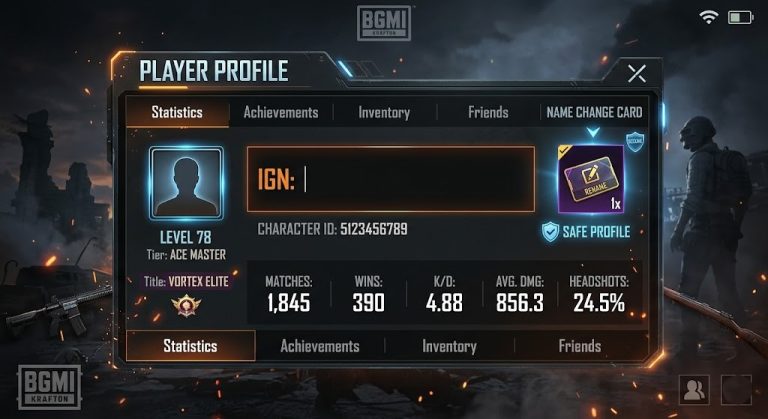
1. Obtain a Rename Card from your inventory or purchase one from the shop.
2. Open the Rename Card and paste the Hangul Filler character (ㅤ).
3. If the name is taken (since exact duplicates aren’t allowed), paste the character multiple times or combine it with invisible separators (like U+200D).
4. Tap OK to save your new blank PUBG identity.
For Free Fire:
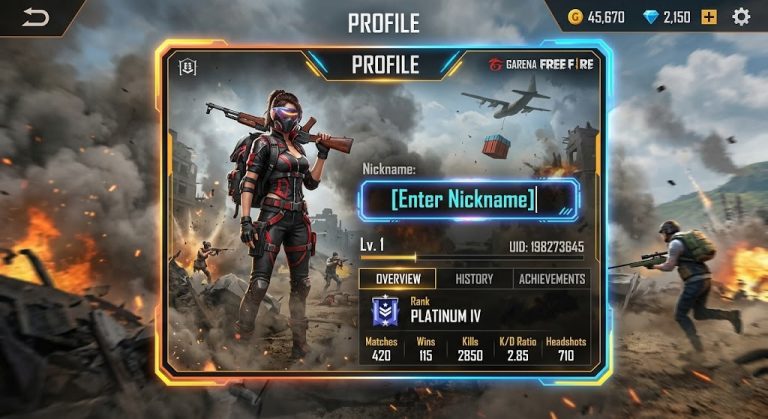
1. Go to your profile and tap the edit icon next to your current nickname.
2. Paste the Hangul Filler character. To bypass the “name already exists” error, interleaf the blank character with tiny superscript characters or zero-width joiners.
3. Spend 390 Diamonds or use a Name Change Card to confirm.
How to Make Your Name Invisible in Roblox
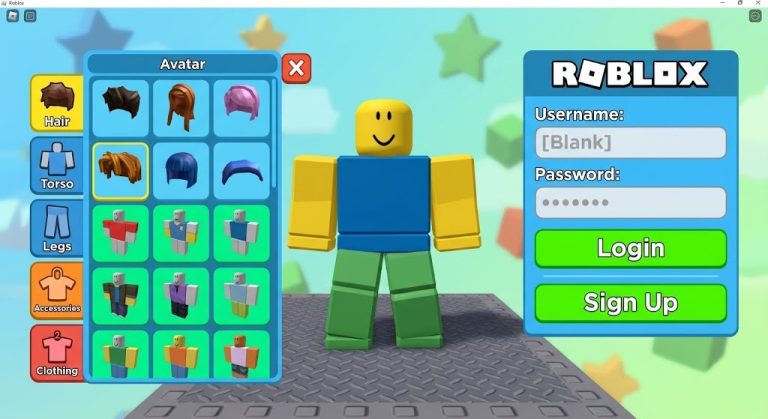
Roblox has strict filtering systems for account creation and display names. While having a completely invisible root username (your @handle) is impossible today, you can manipulate your Display Name to appear blank in many experiences.
- Log into Roblox and go to Settings > Account Info.
- Click the edit icon next to Display Name.
- Paste the Braille Pattern Blank (
⠀) or the Hangul Filler (ㅤ). - Save the changes.
Warning: Roblox frequently patches these Unicode exploits, so your blank name may revert to your standard username depending on the specific game’s UI.
How to Hide Your Username in Minecraft
In Minecraft: Java Edition, standard invisible characters are usually blocked by Mojang’s strict alphanumeric name requirements. However, you can achieve an invisible name on Minecraft servers using server-side commands and plugins.
- Using Scoreboards (Vanilla Server): Server admins can use the command
/team add Blankfollowed by/team modify Blank nametagVisibility neverand/team join Blank [PlayerName]to hide your nametag from other players. - Using Bedrock Edition: On Minecraft Bedrock, you can sometimes use the traditional spacebar if you insert a specific formatting code (like
§kor§r) before the space when editing your Xbox Live gamertag, though this is heavily monitored.
How to Set an Invisible Name in Valorant (Riot Games)
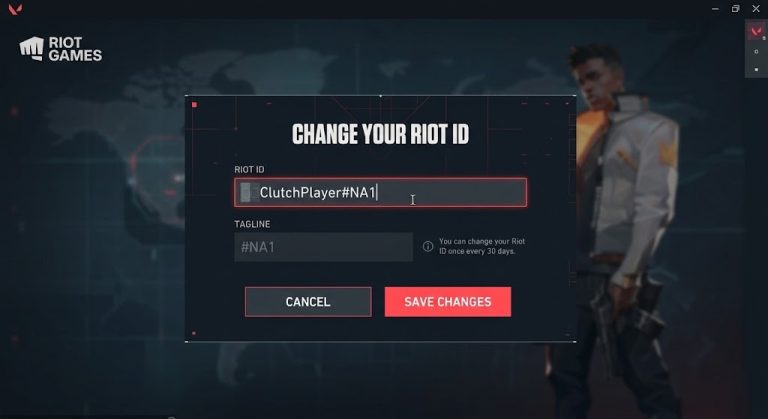
Valorant allows players to change their Riot ID every 30 days. You can use this to create a completely blank name on the scoreboard and in chat.
- Log into your Riot Games Account portal.
- Go to the Riot ID tab.
- In the “New Riot ID” field, paste a string of Hangul Filler characters (
ㅤ). - For the Tagline (the characters after the #), you can enter random numbers or leave it auto-generated.
- Save the changes. Your name will now be invisible in the Valorant client.
How to Get a Blank Profile Name on Steam
Steam is highly permissive when it comes to profile names, making it one of the easiest platforms to use an invisible username.
- Open the Steam client and hover over your profile name at the top, then click Profile.
- Click Edit Profile.
- In the Profile Name field, delete your current name and paste the Braille Pattern Blank (
⠀) or Hangul Filler (ㅤ). - Scroll down and click Save.
- Your Steam profile, friend list entry, and in-game name (for games running through Steamworks, like CS2) will now be completely blank.
How to Use Invisible Names on Xbox Live and PlayStation Network
Console networks are incredibly strict about gamertags and PSN IDs. Currently, you cannot use a completely invisible Unicode character to create a blank Xbox Gamertag or PSN ID. Sony and Microsoft’s databases strictly enforce alphanumeric characters.
However, you can achieve a “ghost” effect by:
* Using alternating capital is and lowercase ls (e.g., IllIlIlllI), which look like a barcode or blank lines in certain fonts.
* Utilizing games that have their own in-game display name settings separate from the console account (e.g., Call of Duty Activision IDs, which can be modified using Unicode characters via a web browser).
Are There Risks or Bans for Using Invisible Usernames?
While having a blank name looks cool, it comes with inherent risks depending on the platform’s Terms of Service (TOS):
- Account Suspensions: Games like PUBG Mobile and Free Fire generally tolerate blank names, but highly competitive games like Fortnite or Valorant may flag your account for bypassing naming filters.
- Reporting Issues: Developers dislike invisible names because they make it difficult for other players to report you for toxicity or cheating. If you are manually reviewed and found to be using an invisible name to evade moderation, you may face a permanent ban.
- Forced Name Changes: The most common consequence is not a ban, but a forced name change. The platform will reset your name to a default string (e.g., “Player12345”) and you will have to pay for a rename token to fix it.
Use invisible usernames at your own discretion, and always stay updated on your specific game’s community guidelines.