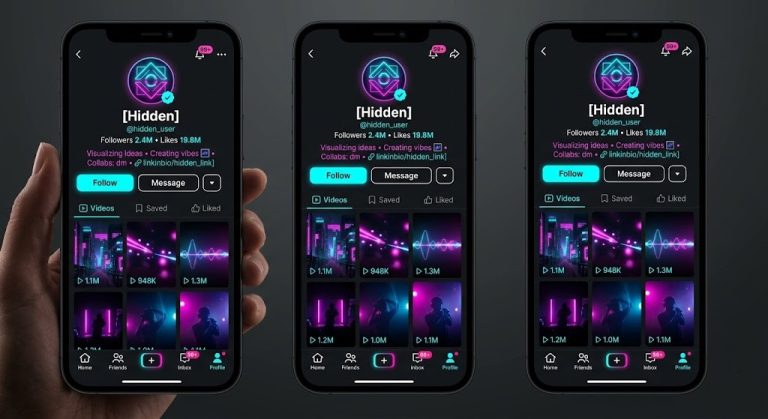
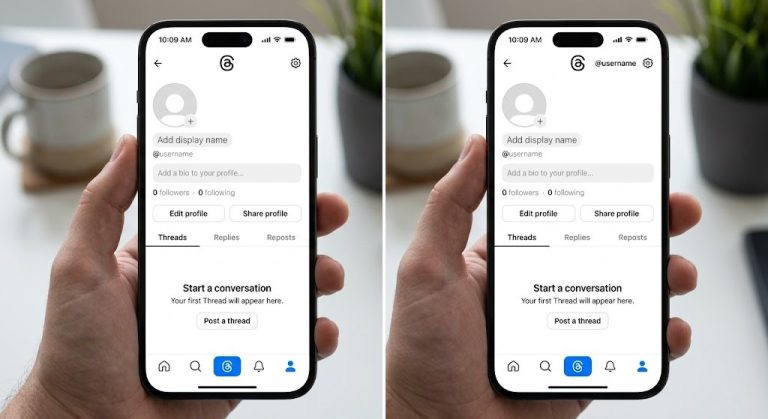
Invisible characters—such as the Hangul Filler (U+3164) or the Braille Pattern Blank (U+2800)—allow users to send blank messages, hide their display names, and create unique aesthetic profiles across various platforms. Because social media platforms automatically strip regular spaces (using the spacebar) from empty inputs, these special Unicode characters are required to bypass validation filters.
This comprehensive guide covers the exact methods for implementing invisible text across every major social media and messaging application.
How to Use Invisible Character for Social Media (Messages, Names, and Status)
WhatsApp restricts users from sending empty bubbles or having blank profile sections using standard spaces. However, Unicode characters easily bypass these restrictions.
- Sending Blank Messages: To send an empty text bubble, copy a Braille Pattern Blank (U+2800) character, paste it into the chat box, and hit send. WhatsApp recognizes this as a valid character, allowing the empty bubble to be delivered.
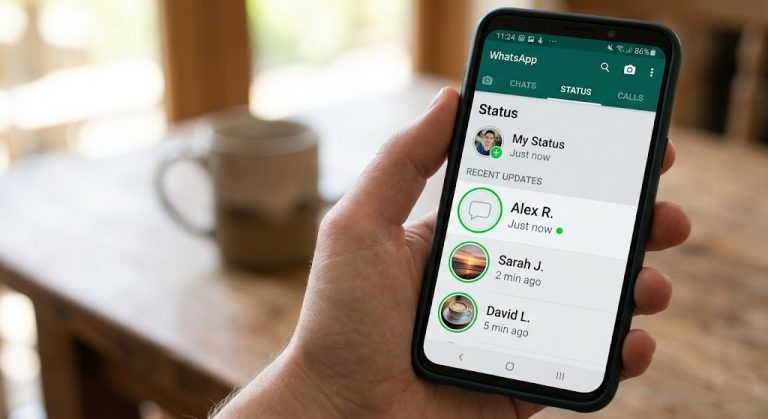
- Setting a Blank Display Name: Navigate to Settings > Profile. Tap the pencil icon next to your name, delete your current name, and paste the Hangul Filler (U+3164). Save the changes. Your name will now appear completely empty in group chats and contact lists.
- Creating a Blank About/Status: Go to Settings > Profile > About. Tap to edit, delete the existing text, paste your invisible character, and save.
Creating an Invisible Profile on Instagram (Bio, Username, and Captions)
Instagram creators frequently use invisible characters to format line breaks, create minimalist profiles, or post captionless photos.
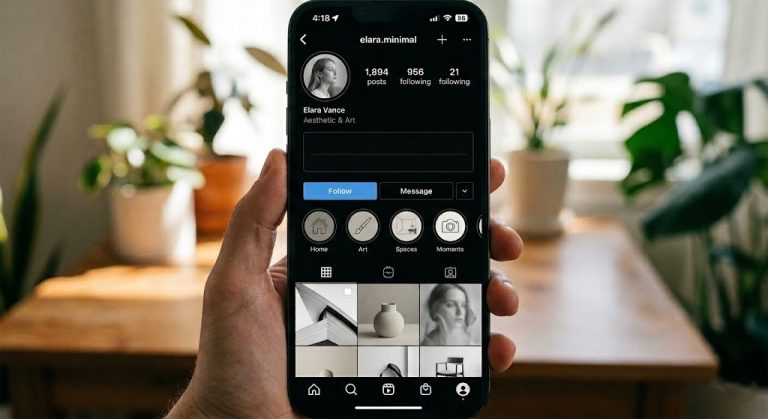
- Blank Bio: Navigate to Edit Profile. In the “Bio” field, paste an invisible character (U+2800 works best) to clear the space or to force custom line breaks and center your text.
- Invisible Display Name: While Instagram strictly requires alphanumeric characters for your @username handle, your Display Name can be blank. In Edit Profile, paste the Hangul Filler (U+3164) into the “Name” field.
- Invisible Captions and Comments: To post a photo with no caption or to leave an empty comment, paste the Braille Pattern Blank character into the text field and publish. Instagram’s algorithm will register the comment without throwing an “empty text” error.
How to Make Your Discord Name and Messages Invisible
Discord users often want to hide their presence or send seemingly impossible empty messages in servers.
- Sending Empty Messages: You can send a blank message by typing
** **(bolding a standard space), but pasting a true invisible character like U+2800 is foolproof and doesn’t rely on markdown formatting quirks. - Setting an Invisible Name: Discord regularly patches blank name tricks, but specific characters like U+1CBC or the classic Hangul Filler (U+3164) often evade filters. Go to User Settings > Profiles, paste the character into your Display Name, and save. This renders your name invisible in the server member list and voice channels.
Sending Blank Messages and Hiding Your Name on Telegram
Telegram is highly customizable, and utilizing invisible text takes privacy and minimalist aesthetics a step further.
- Sending Blank Messages: Open any chat, paste the Braille Pattern Blank (U+2800) into the text input field, and tap send. This is useful for testing bots or sending playful empty pings to friends.
- Blank Display Name: Go to Settings > Edit Profile (or the three dots/pencil icon). Delete your First and Last name. Paste the Hangul Filler (U+3164) into the First Name field (Telegram requires at least a first name) and save.
Posting Blank Comments and Status Updates on Facebook
Facebook’s interface actively prevents users from publishing posts or comments that only contain standard spaces.
- Blank Status Updates: To create a completely empty post on your timeline or in a group, paste an invisible character (U+2800) into the “What’s on your mind?” box. The “Post” button will illuminate, allowing you to publish an empty block.
- Blank Comments: Paste the same Unicode character into the comment box on any post or photo and press Enter. This will publish a blank comment, which is often used as a harmless prank or to bump a post in the algorithm without saying anything.
How to Get an Invisible Name and Bio on TikTok
TikTok’s aesthetic-driven culture makes blank profiles highly popular for anonymous viewing or minimalist branding.
- Invisible Display Name: Go to Profile > Edit Profile. Tap on “Name” (not Username). Delete your current name, paste the Hangul Filler (U+3164), and save. Your name above your videos and on your profile will disappear.
- Blank Bio: In the same Edit Profile menu, select “Bio”, paste the invisible character, and save. This clears out default text and leaves a pristine, empty space below your profile picture.
Tweeting Blank Posts and Hiding Your Display Name on X (Twitter)
X (formerly Twitter) requires text or media to activate the “Post” button.
- Blank Tweets: Paste the Braille Pattern Blank (U+2800) into the composer. The “Post” button will turn blue, allowing you to send an entirely empty tweet to your timeline.
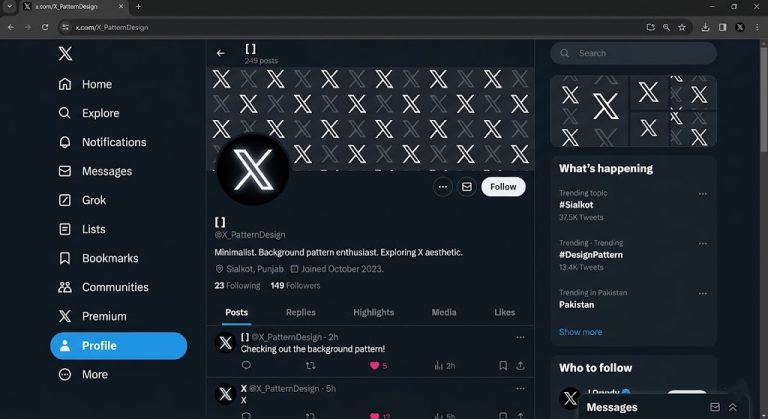
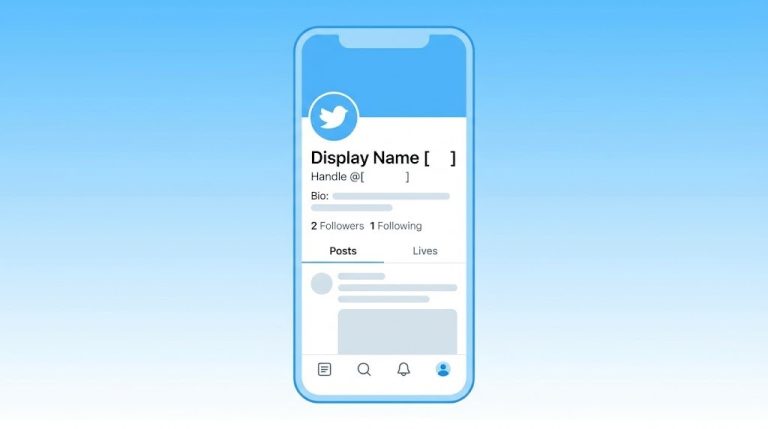
- Invisible Display Name: Go to your profile, click Edit Profile, and paste the Hangul Filler (U+3164) into the “Name” field. Your @handle will remain visible, but your bold display name will be hidden, creating a sleek, anonymous look.
Using Invisible Characters for YouTube Comments and Channel Names
Whether you are commenting on a video or setting up a burner channel, invisible characters bypass YouTube’s text requirements.
- Blank Comments: Paste U+2800 into the comment field below a video. The “Comment” button will activate, allowing you to leave an empty reply.
- Invisible Channel Name: Go to YouTube Studio, navigate to Customization > Basic Info. In the Name field, paste the Hangul Filler (U+3164) and hit Publish. Note that while your channel name will appear blank, users will still be able to see your @handle.
Technical Note on Character Selection: Platform algorithms update frequently. If a platform begins blocking the Hangul Filler (U+3164), switch to the Braille Pattern Blank (U+2800) or a Zero-Width Joiner (ZWJ), as these are processed differently by text-rendering engines.